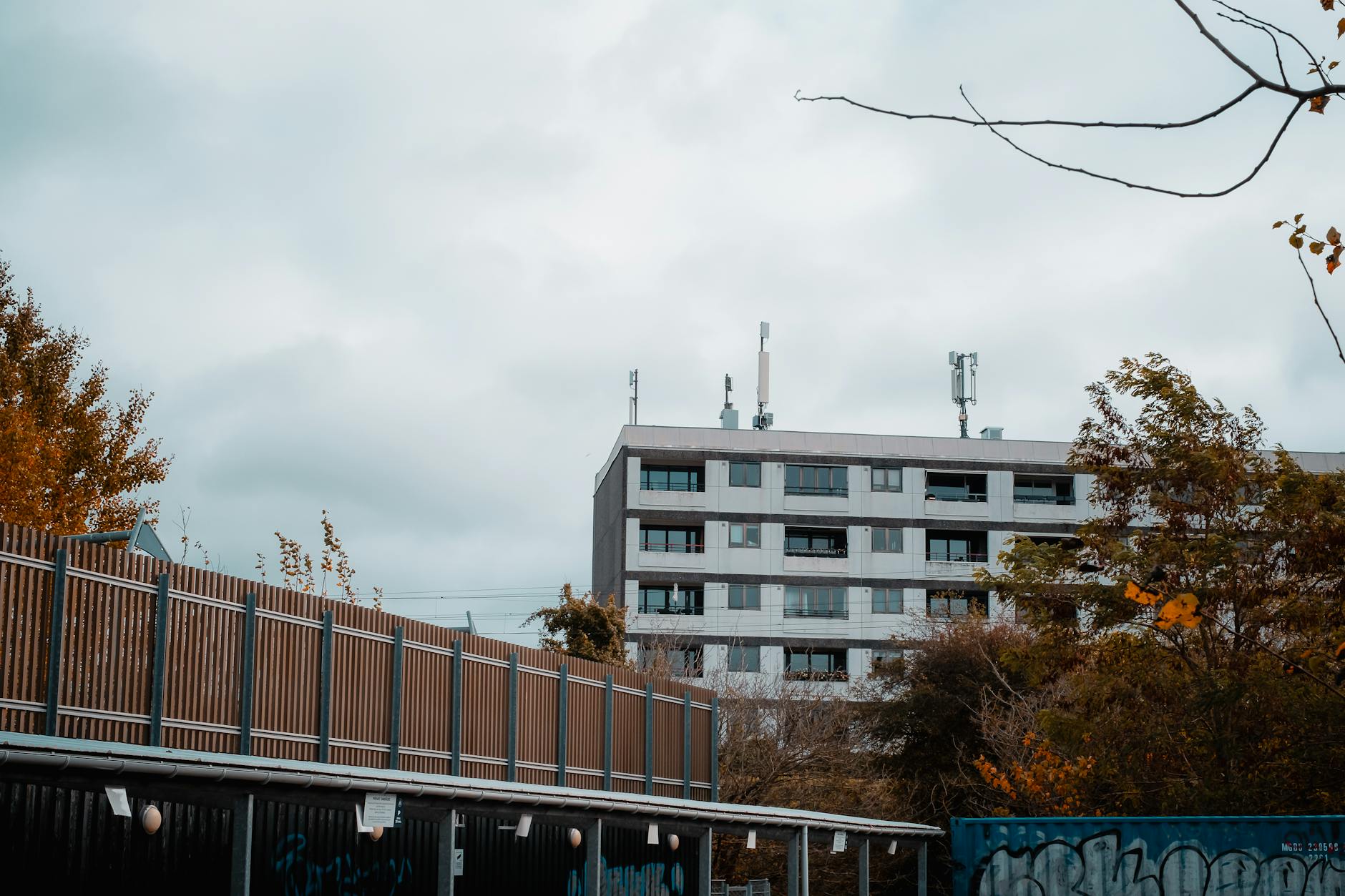
Build a visual route by light and geography
Copenhagen rewards planning by neighborhood, direction, and daylight. A content creator should group shots by route so canals, facades, cafes, bridges, bikes, and harbor scenes do not require backtracking across the city.
The shot list should follow the map.
- Group locations by neighborhood and expected light rather than by popularity alone.
- Check sunrise, sunset, blue hour, rain, wind, and crowd patterns before committing to outdoor shoots.
- Keep one flexible block for weather, unexpected access, or a stronger visual opportunity.
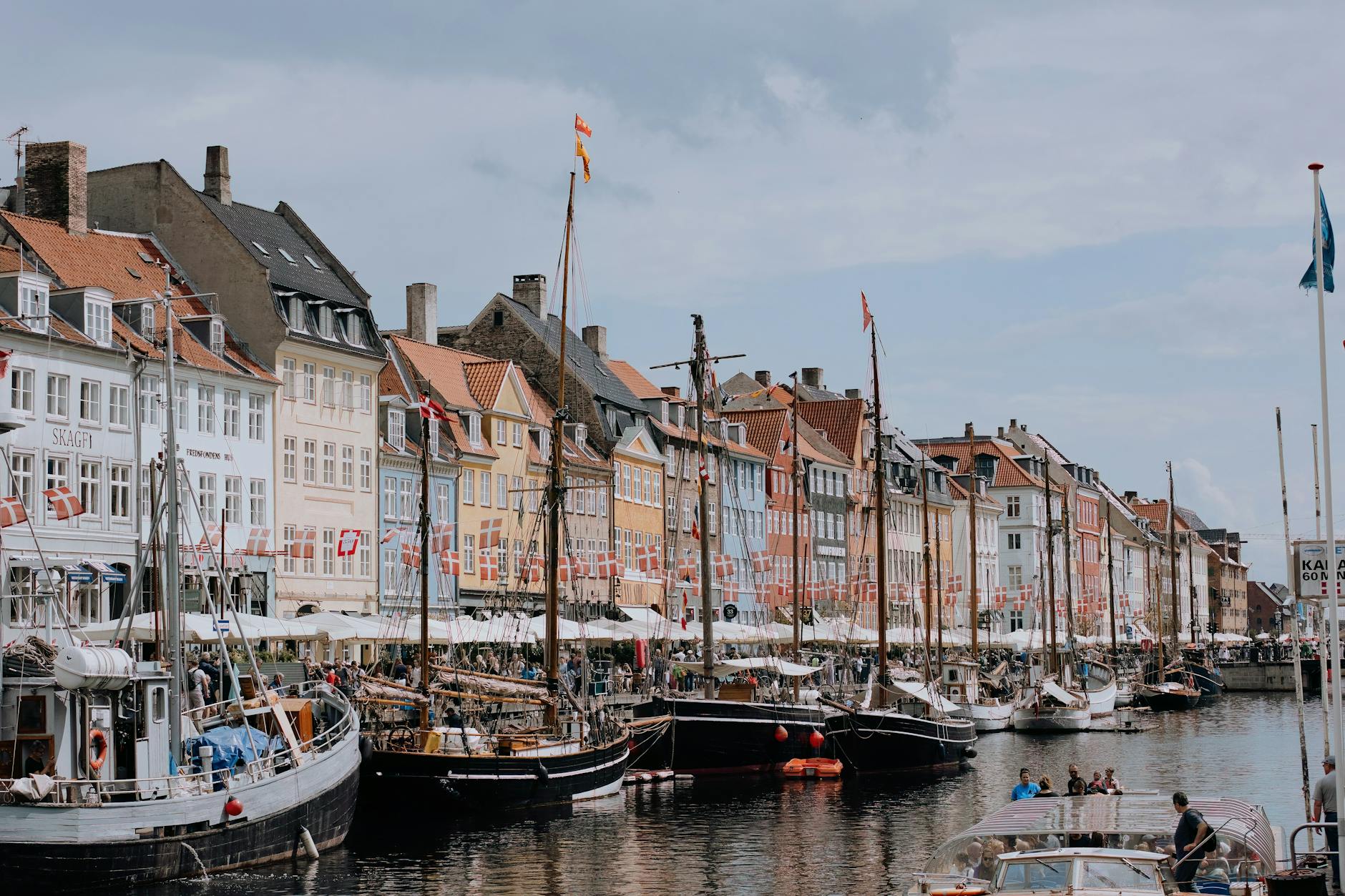
Use harbor and canal scenes with intention
Nyhavn, canals, houseboats, bridges, and harbor architecture can become repetitive if every frame relies on water and color. The creator should decide which waterfront scenes serve the story and which are only background.
A strong route needs visual variety.
- Choose specific harbor moments for color, movement, architecture, reflection, or people-watching.
- Avoid spending the whole shoot window in one crowded canal area unless that is the core concept.
- Pair waterfront shots with cafes, side streets, parks, or design details nearby.
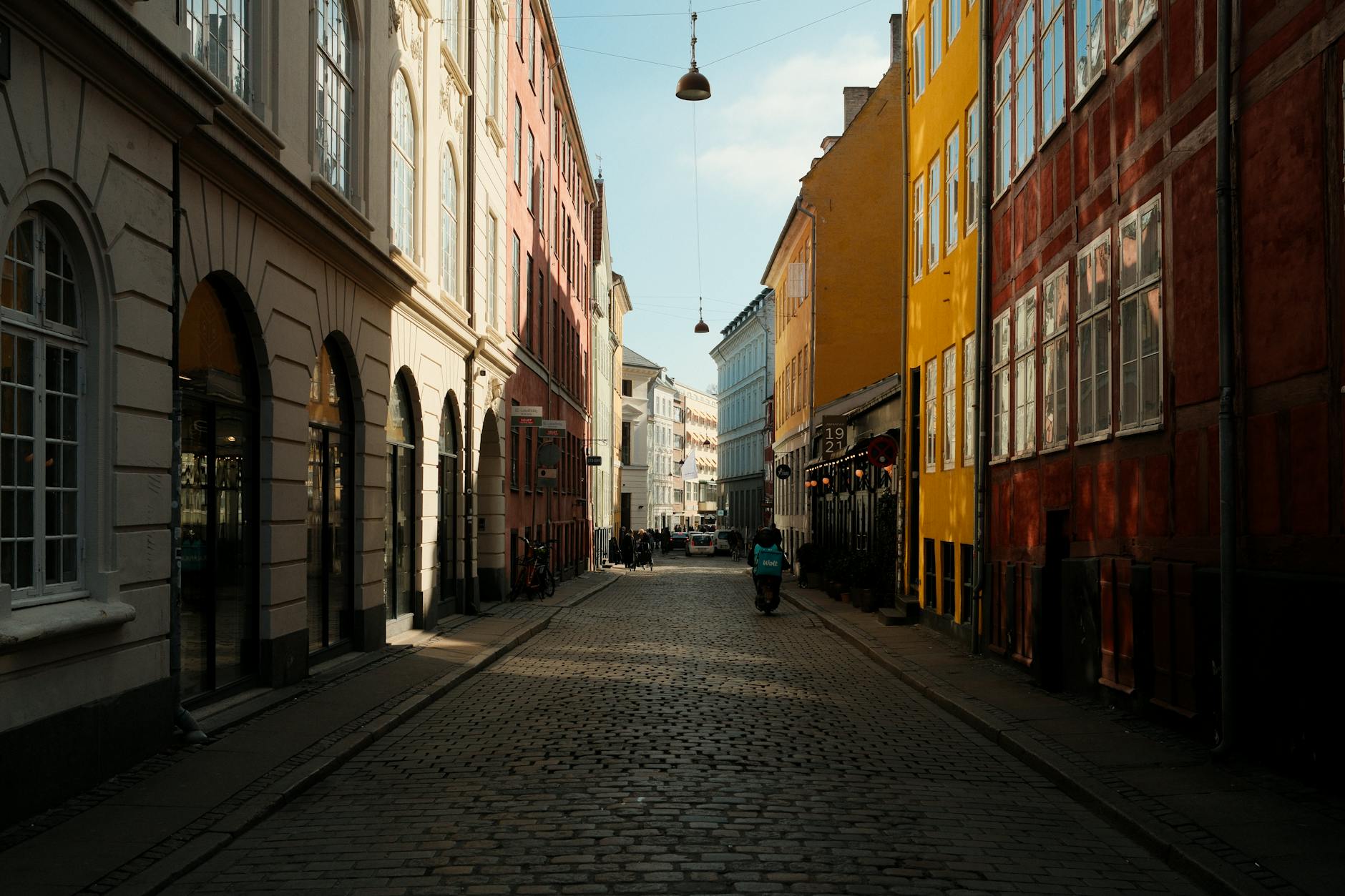
Plan cafes and interiors respectfully
Copenhagen cafes, bakeries, shops, and hotels can be visually strong, but interior filming should be handled carefully. Permission, crowding, purchases, table choice, light, sound, and privacy affect whether the creator can work without disrupting the place.
The setting is not just a backdrop.
- Ask before filming staff, customers, interiors, or commercial spaces when permission is unclear.
- Choose cafes by light, seating, noise, outlet access, and whether the content plan fits the venue.
- Avoid occupying high-demand tables for long work sessions without matching the venue's expectations.
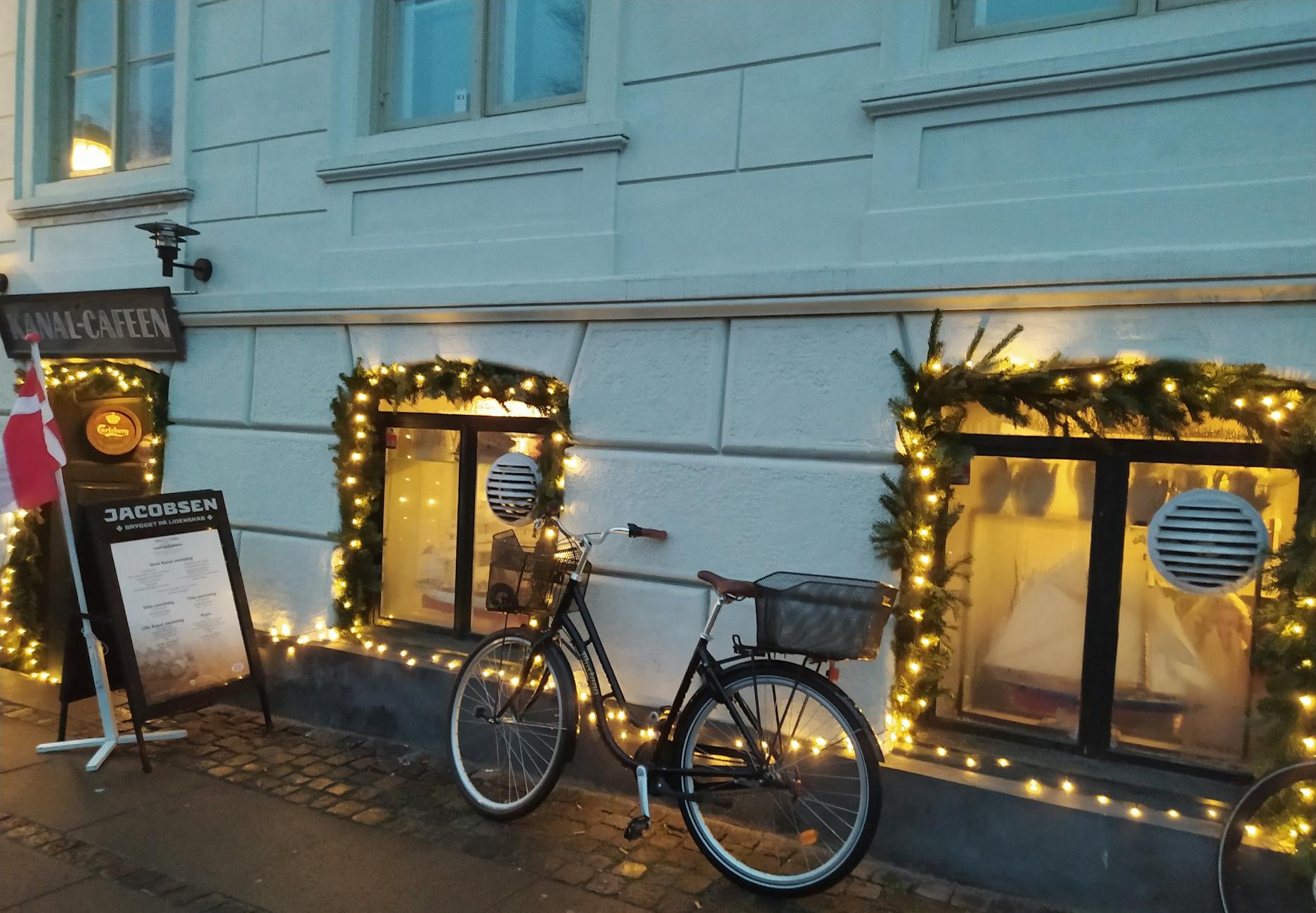
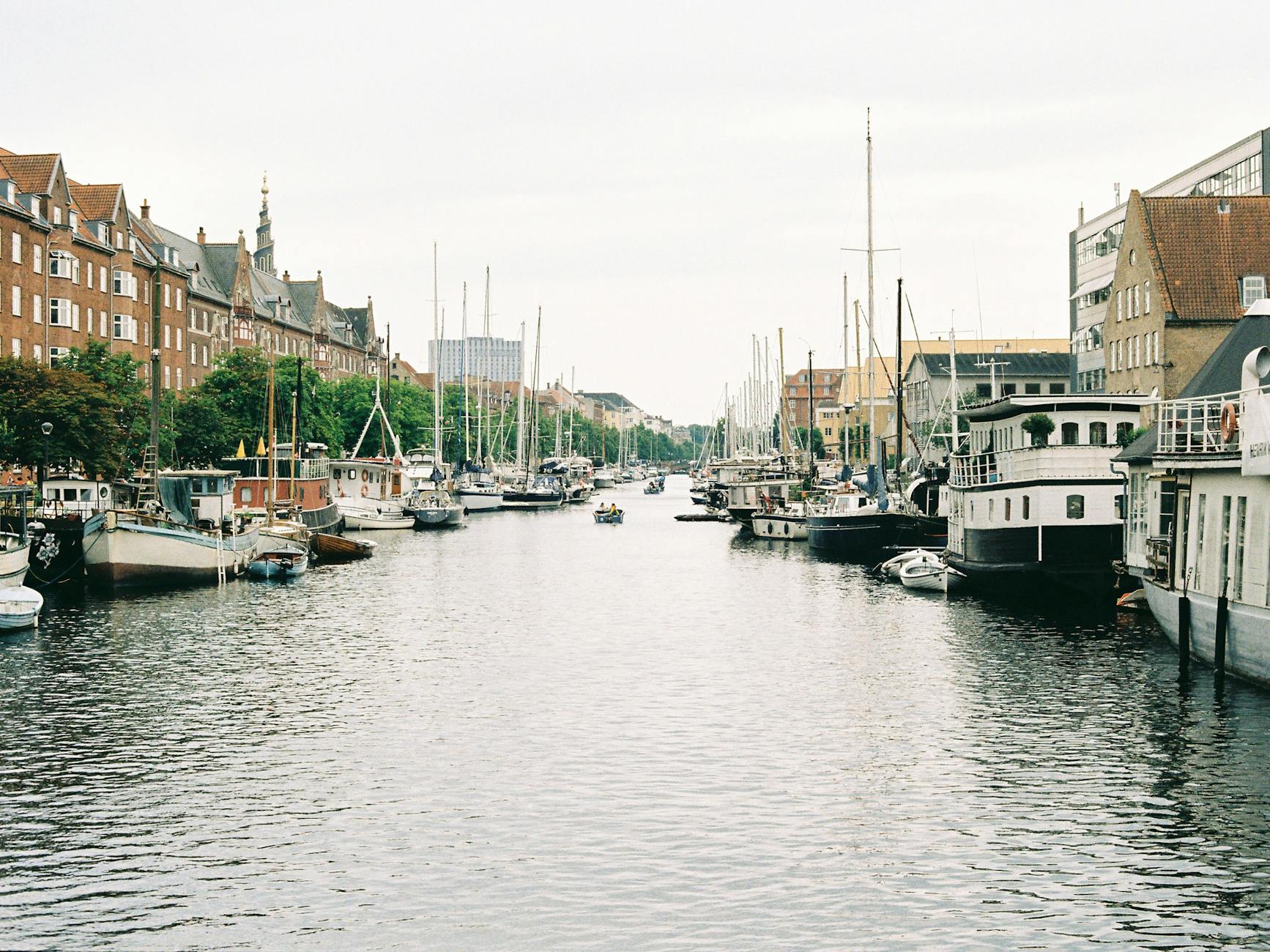
Add design and architecture beyond the obvious
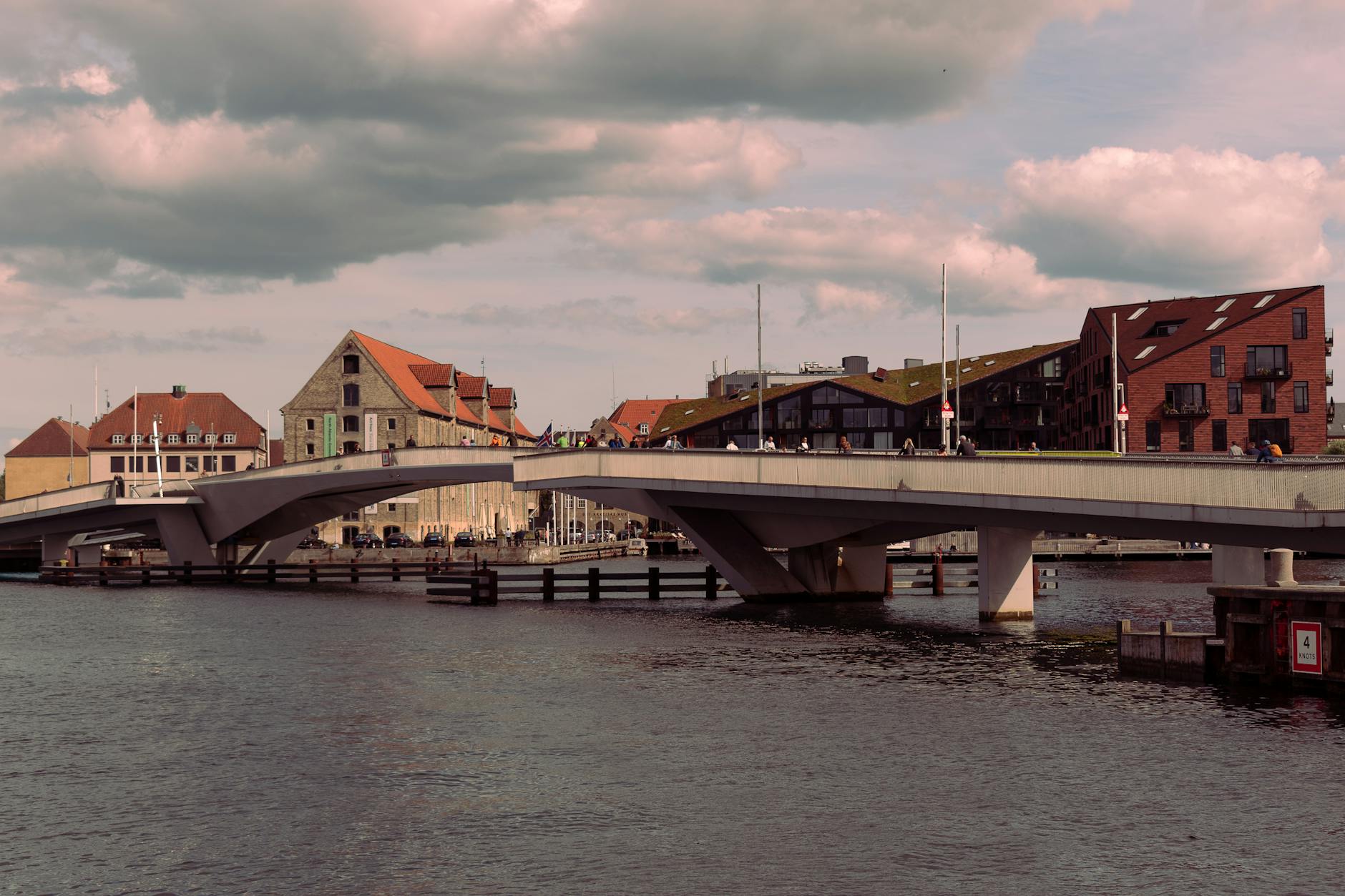
Copenhagen's visual identity is not only Nyhavn. Modern waterfront buildings, bridges, libraries, museums, residential streets, bike infrastructure, and design shops can make the content feel more specific and less familiar.
The city has more than one visual language.
- Mix historic color, modern architecture, public design, bike culture, and neighborhood details.
- Check museum and shop rules before filming interiors or commercial displays.
- Use quieter streets and public architecture to reduce crowd pressure around famous views.
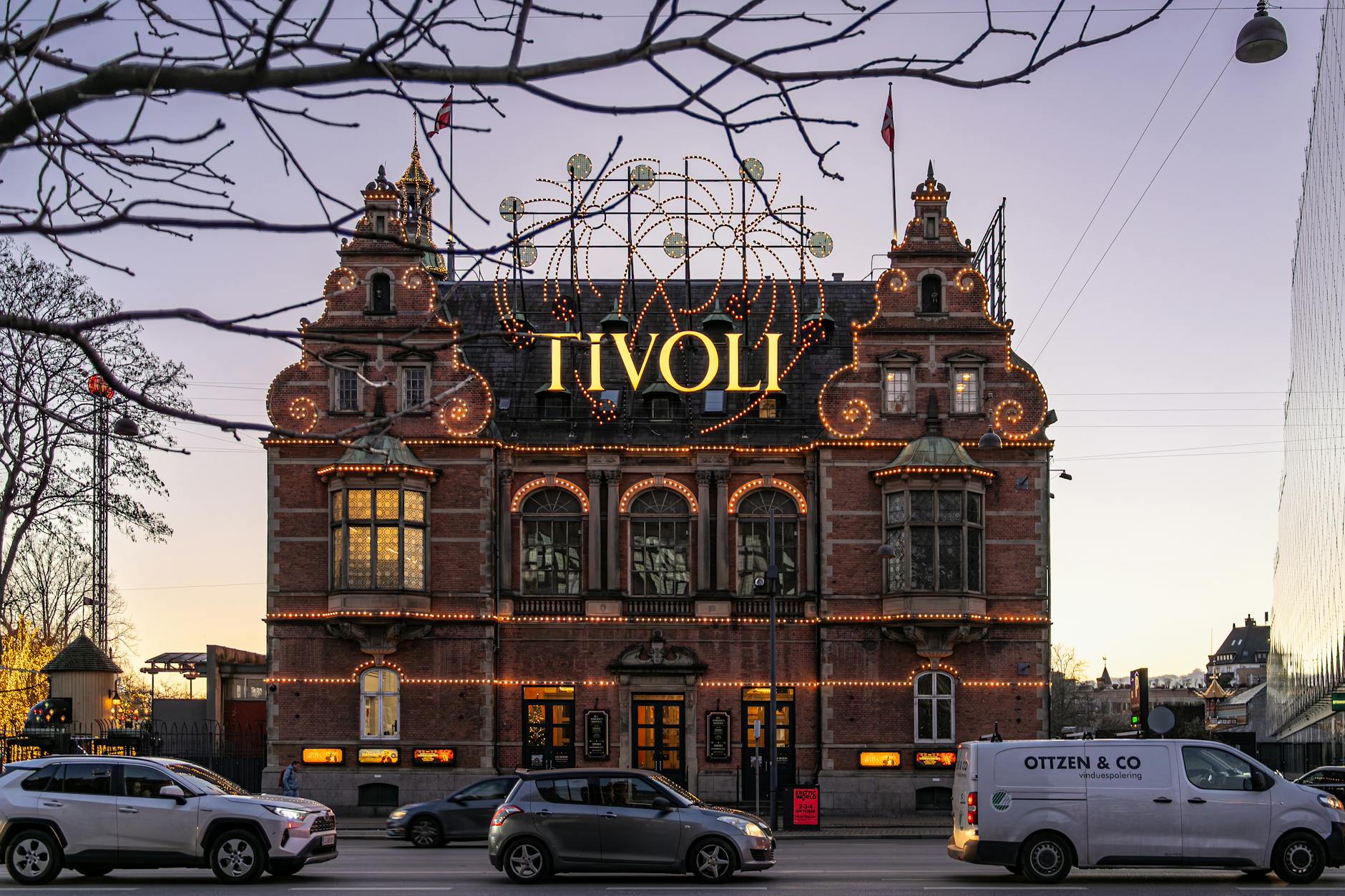
Treat Tivoli and night shoots as their own block
Night content in Copenhagen can work well around Tivoli, Nyhavn, bridges, and waterfront reflections, but it needs battery, weather, safety, and return planning. The creator should avoid treating a night shoot as an afterthought after an already full day.
Evening content needs energy and control.
- Check Tivoli opening dates, ticket rules, tripod limits, events, and best arrival time.
- Carry battery backup, weather protection, warm layers, and a clear return route.
- Keep the night route compact so equipment and fatigue do not create problems.
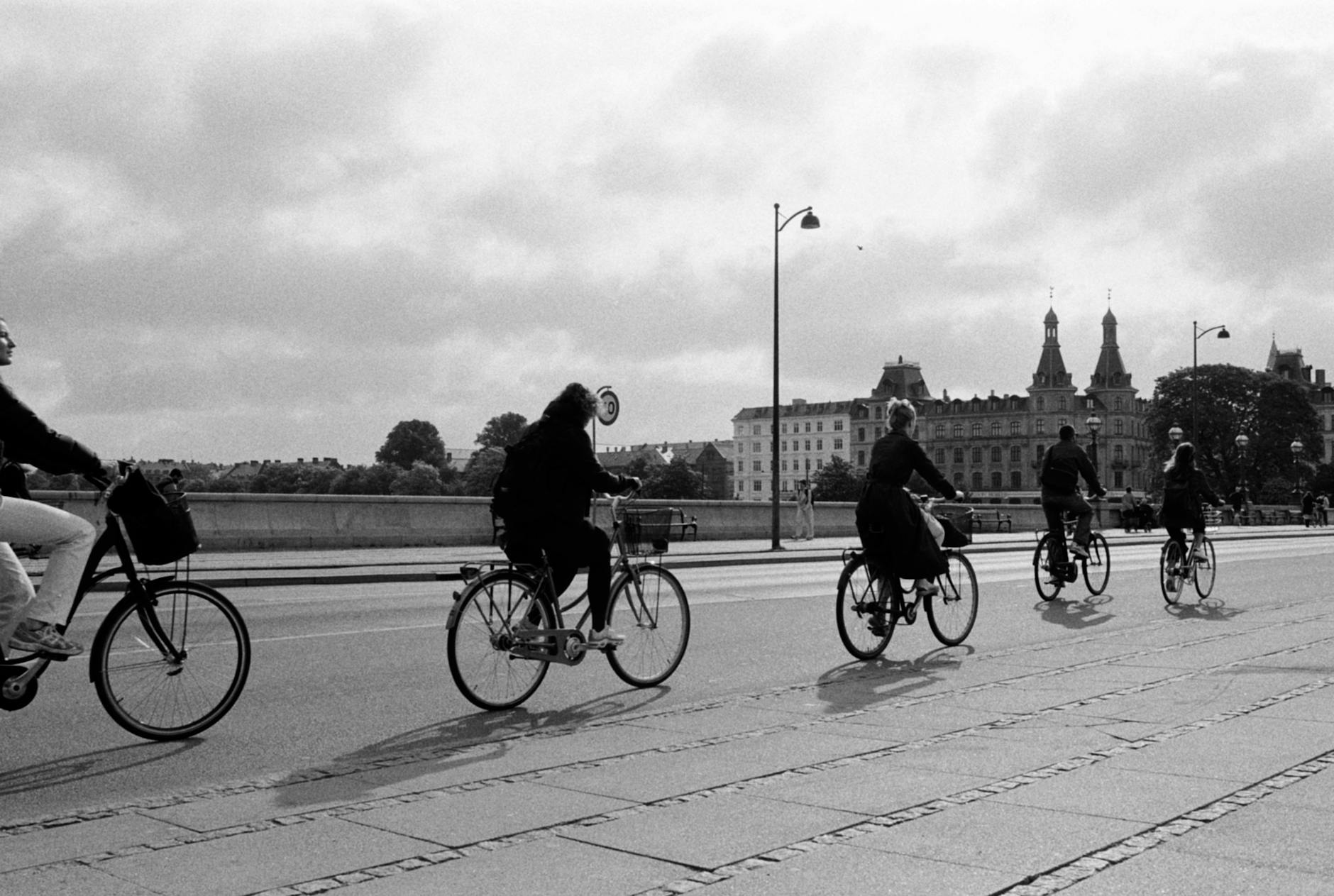
Protect equipment and publishing workflow
A short content trip can produce a lot of files quickly. The creator should plan charging, backups, cards, cloud uploads, captions, disclosures, brand requirements, and quiet editing time before the final night.
The workflow should not wait until departure day.
- Carry chargers, adapters, storage cards, backup power, weather protection, and a small repair kit.
- Reserve time for file backup, captions, notes, location tagging, sponsor requirements, and approvals.
- Choose lodging with reliable Wi-Fi, desk space, and enough quiet for editing or calls.
When to order a short-term travel report
A creator with a loose personal trip may not need a custom report. A report becomes useful when shoot locations, light, permissions, lodging, equipment, editing time, weather, night plans, and airport timing need to fit into a short Copenhagen stay.
The report should test visual routes, light windows, access rules, cafe and interior options, harbor scenes, night plans, equipment logistics, editing blocks, weather backups, and departure buffers. The value is a Copenhagen content trip with fewer wasted moves.
- Order when locations, light, permissions, equipment, lodging, editing blocks, weather, or departure timing need coordination.
- Provide dates, arrival details, platform goals, visual style, must-shoot locations, equipment load, hotel options, budget, and posting deadlines.
- Use the report to make the Copenhagen shoot more efficient without flattening the trip into a checklist.